
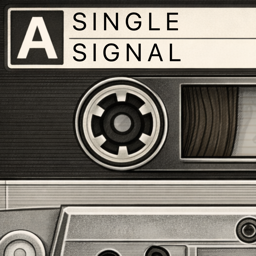
A cassette tape recorder for your Mac.
Record high-fidelity audio with the warmth and charm of a hand-drawn cassette deck. Dubble brings the tactile joy of physical tape recording to your desktop — no frills, no cloud, just you and your recordings.
macOS
About Dubble
I got tired of DAWs getting in the way. You know when you have an idea, you're ready to capture it, but first you need to navigate project templates, dialogue windows, track routing, and a thousand settings you don't need right now.
I wanted something simple. Press record. That's it.
Dubble is a homage to an app called TapeDeck, which was discontinued in 2013 — I loved this app, it understood one thing: be ready to record and recall audio.
Dubble brings back that instant-capture workflow with a hand-drawn, nostalgic interface that feels like the cassette decks we grew up with. No bloat. No complexity. Just pure recording.
Perfect for
- Home studios and bedroom producers
- Voice memos and podcast scratch tracks
- Song ideas and musical sketches
- Anyone who values speed over features
Features
Real Cassette Experience
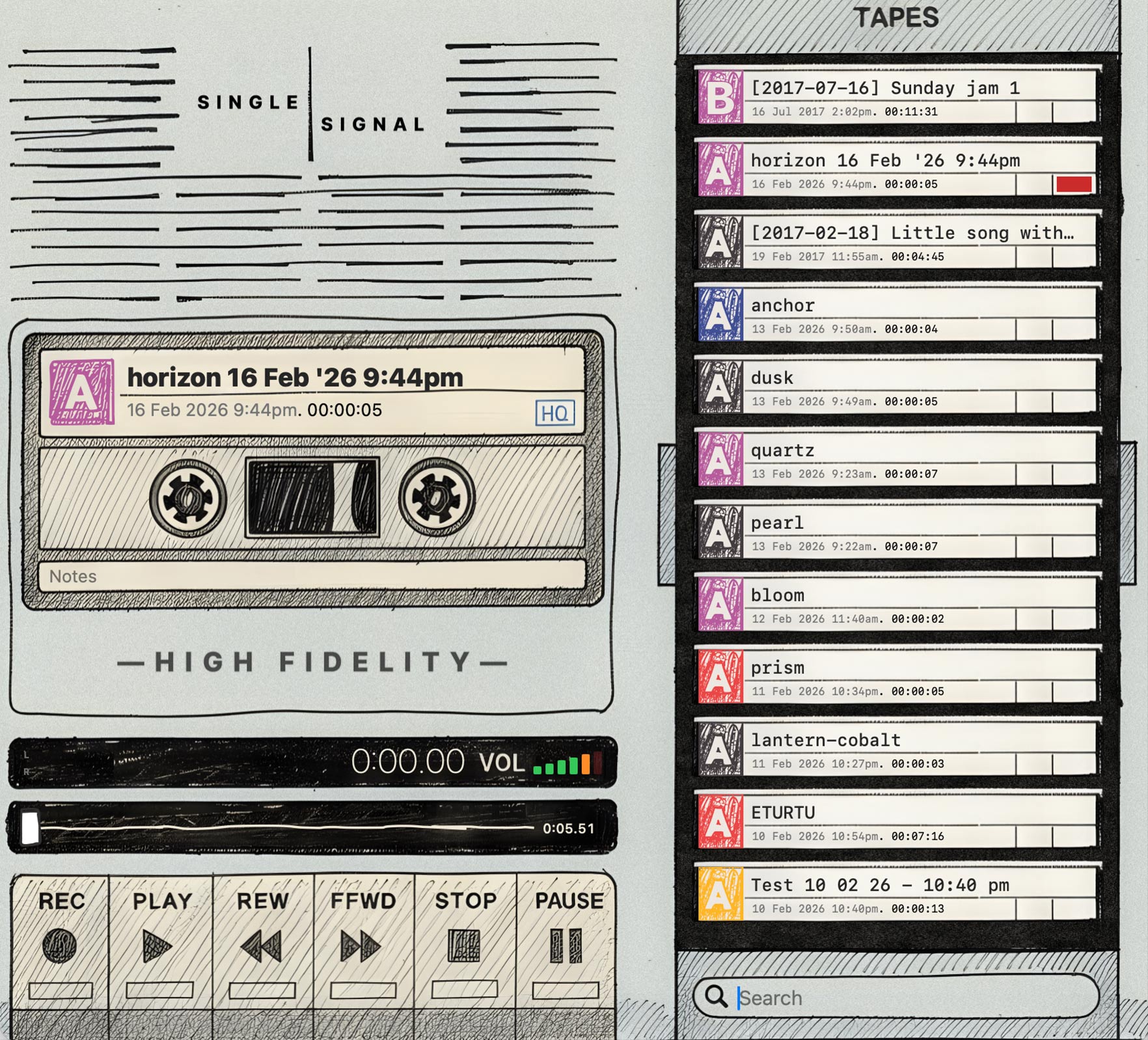
Record, play, rewind, and fast-forward with physical-style transport controls. A three-state stop button works just like a real deck — stop, return to start, then eject.
Hand-Drawn Aesthetic
Every element is crafted with a hand-drawn, sketchbook feel. Animated reels spin during playback, colour-coded tape labels identify your recordings, and VU meters bounce in real time.
High-Fidelity Recording
Choose your format — AAC, ALAC, or WAV — with configurable sample rate (44.1 / 48 / 96 kHz) and bit depth (16 / 24-bit). Professional quality, cassette simplicity.
Tape Library
Every recording becomes a cassette in your library. Browse by spine, search by title, multi-select, and import existing audio files. Tapes are colour-coded and named with random words for instant character.
Keyboard-Driven
Start, stop, and create new recordings without touching your mouse. Organise, colour-code, and instantly recall past takes. All your audio lives where you want it, tagged with your copyright metadata. Dubble gets out of your way so you can focus on the music.
Completely Private
No internet connection. No analytics. No tracking. No cloud. Your recordings stay on your device, always.
Audio Specs
Formats
AAC / ALAC / WAV
Sample Rate
44.1 / 48 / 96 kHz
Bit Depth
16 / 24-bit
Import
m4a, mp3, wav, aiff, aac, caf
Your recordings. Your device. Always.
No internet. No tracking. No analytics. No cloud. Dubble never connects to the network — your audio stays on your machine and nowhere else.
Download for macOS
Free on the Mac App Store.
Download on the Mac App StorePrivacy Policy
Dubble does not collect, store, transmit, or share any personal data. The app operates entirely on your device with no network connectivity.
Microphone access is used solely for recording audio. Recordings are stored locally and never transmitted to any third party.
Dubble does not connect to the internet, use analytics, advertising, or tracking frameworks, or integrate with any third-party services, SDKs, or APIs. No data of any kind leaves your device.
All recordings are stored locally within the app's sandbox. You retain full control and can delete them at any time. Dubble does not collect information from anyone, including children under 13.
If this policy is updated, the revised version will be posted here with a new effective date.